
The Bulk Results page displays a history of data source and tag imports via CSV file. The data table is filterable by a filename text search, upload status, and import type, as well as being column sortable. 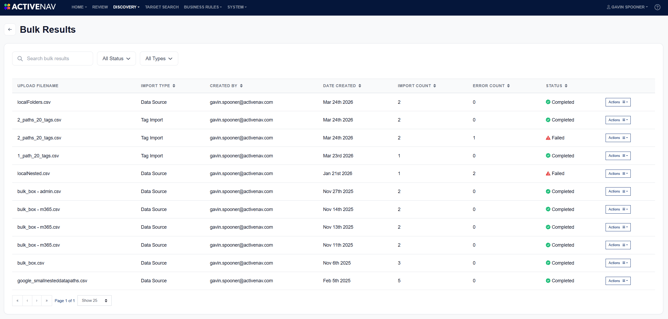 For each import, the page shows key details, including:
- Uploaded filename
- Import type
- User who imported the file
- Date created
- Number of records successfully imported
- Error count
- Import status
Each row includes an Actions menu that allows you to delete that individual import record. If an import contains errors or has failed, the Actions menu also provides an option to download a failure manifest to assist troubleshooting.
Note - Deleting a bulk import record does not delete its associated data sources and inventories, or tags assigned to data sources.